How to Update
You’ve chosen a convenient time to stop all insulin delivery and reviewed the Before You Begin checklist to minimize any disruptions in therapy. Now it is time to update the software on your insulin pump.

Download the Update Pump Software Quick Reference for a detailed visual guide or follow summary below.
/ ! \ DO NOT disconnect from the Internet, close the Tandem Mobi mobile app, or turn off your smartphone during the update process. Doing so could interrupt the software update, and your insulin pump may not function.
Open the Tandem Mobi mobile app
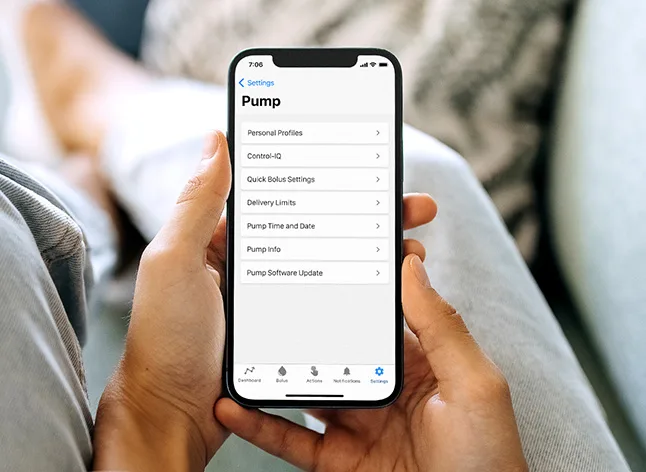
From the Navigation bar, tap Settings and then Pump
Tap Pump Software Update
Tap Download
Once the download is complete, tap Next to continue
Complete the Important Safety Information checklist and then tap Next
Stop all insulin delivery (Actions menu) and disconnect your infusion set
Return to Pump Software Update (Settings menu) and tap Next to continue
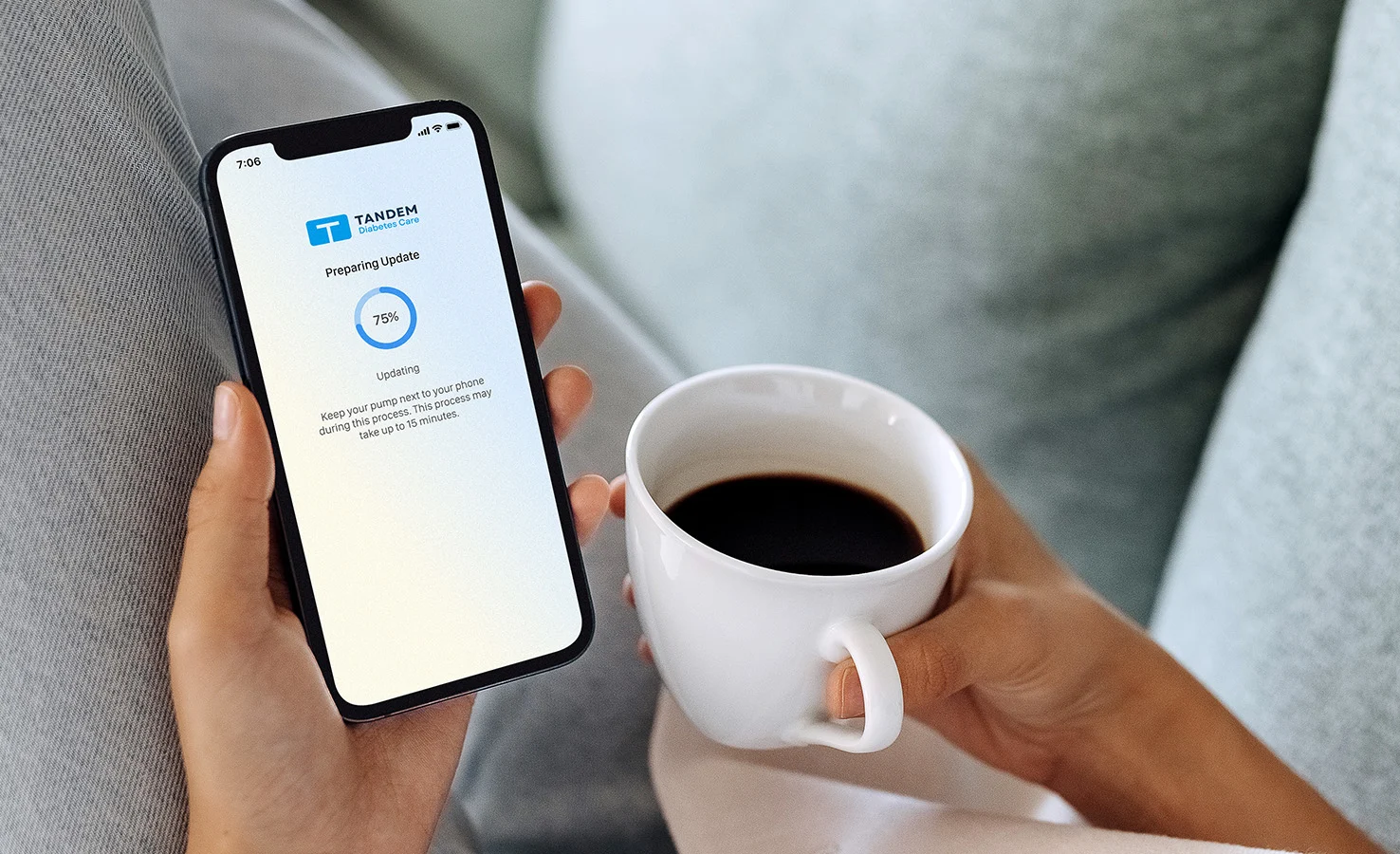
Tap Install and then Install & Restart
Once the software update is successful, tap Dismiss
Once the software update is successful, a cartridge will need to be loaded before insulin delivery can be resumed. Continue with the next article (see Step 3: How to Resume Therapy below) to follow the required steps.