How to Resume
You successfully completed a software update. Now, follow these final steps to resume using Control-IQ+ technology on your pump.
A. Pair Your Tandem t:slim Mobile App
B. Start or Resume CGM Sensor Session
You successfully completed a software update. Now, follow these final steps to resume using Control-IQ+ technology on your pump.
A. Pair Your Tandem t:slim Mobile App
B. Start or Resume CGM Sensor Session

Some sensor integrations are only available when the t:slim X2 pump is paired with the mobile app. Pick the card that fits your situation for the next steps.

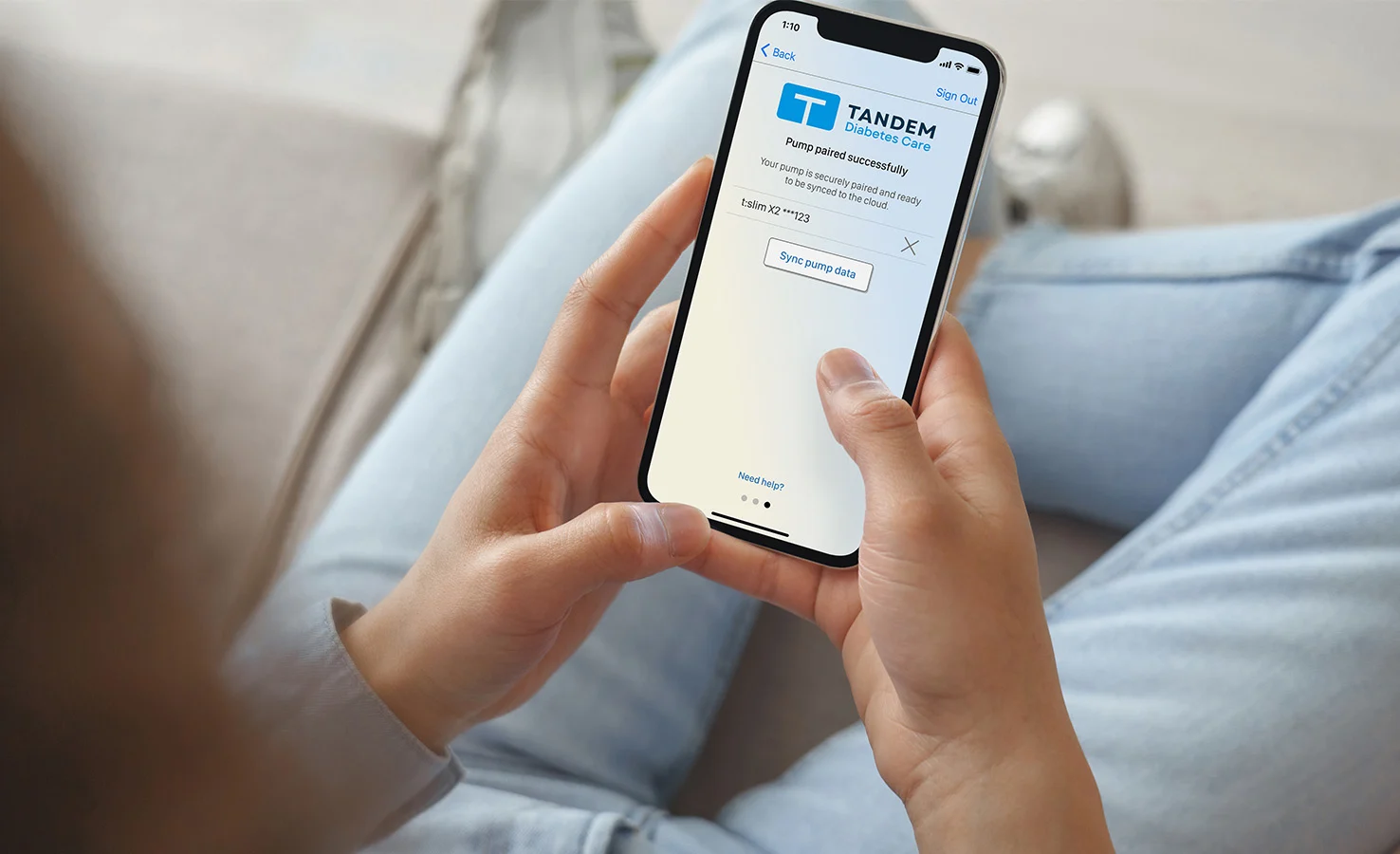
If you use the Tandem t:slim mobile app, make sure it’s the latest version available for download. You also may need to unpair and then pair the mobile app to your t:slim X2 pump again.

If you’re new to the Tandem t:slim mobile app, download the mobile app and pair your t:slim X2 insulin pump.

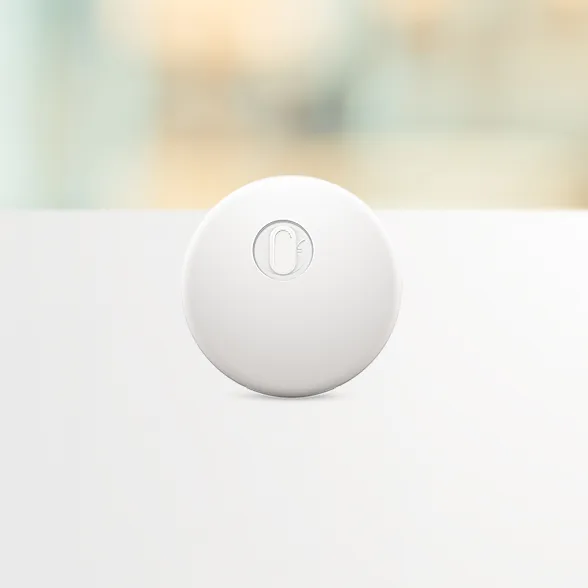
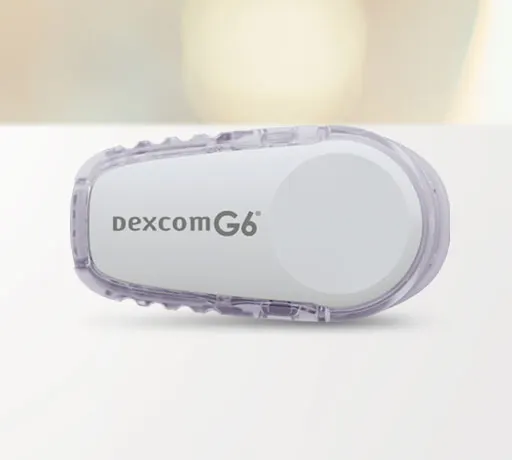
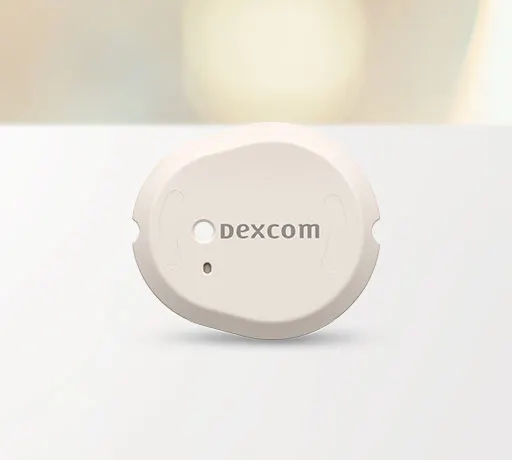
Choose your sensor to view step-by-step instructions.
Tandem insulin pumps are only compatible with specific CGM sensors. Review a breakdown of what sensors are currently compatible with your pump.