Required Setup for the FreeStyle Libre 3 Plus Sensor
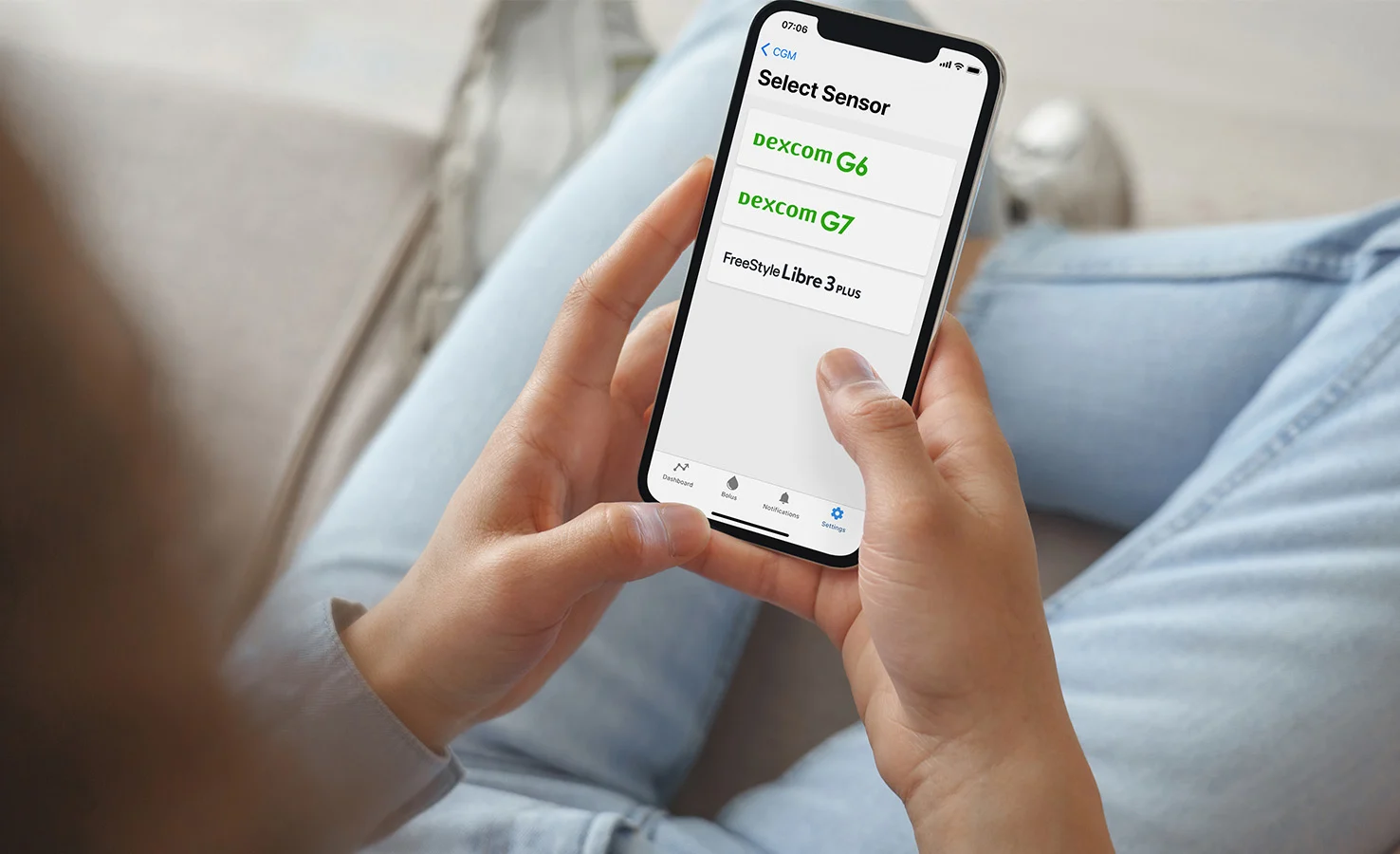
Step 1
Pair the Tandem t:slim Mobile App
To use the FreeStyle Libre 3 Plus sensor, you must first pair your t:slim X2 insulin pump to the Tandem t:slim mobile app. After pairing, the sensor will be seen on your pump.

Current User
If you use the Tandem t:slim mobile app, make sure it’s version 2.11 or later (tap Settings, App, and then About). If not, download the latest version from Google Play or the Apple Store.

First-Time Setup
If you’re new to the Tandem t:slim mobile app, download the mobile app and pair your t:slim X2 insulin pump.
Start or Resume Your CGM Sensor Session
Watch this short video to learn how to use the mobile app to scan your FreeStyle Libre 3 Plus sensor and connect it to your t:slim X2 pump.
Note: Instructions for starting or resuming a sensor session differ for Dexcom G7 and Dexcom G6 CGM
Step 3
Learn What’s New
Take a few minutes to learn what pump features have changed with each software update.