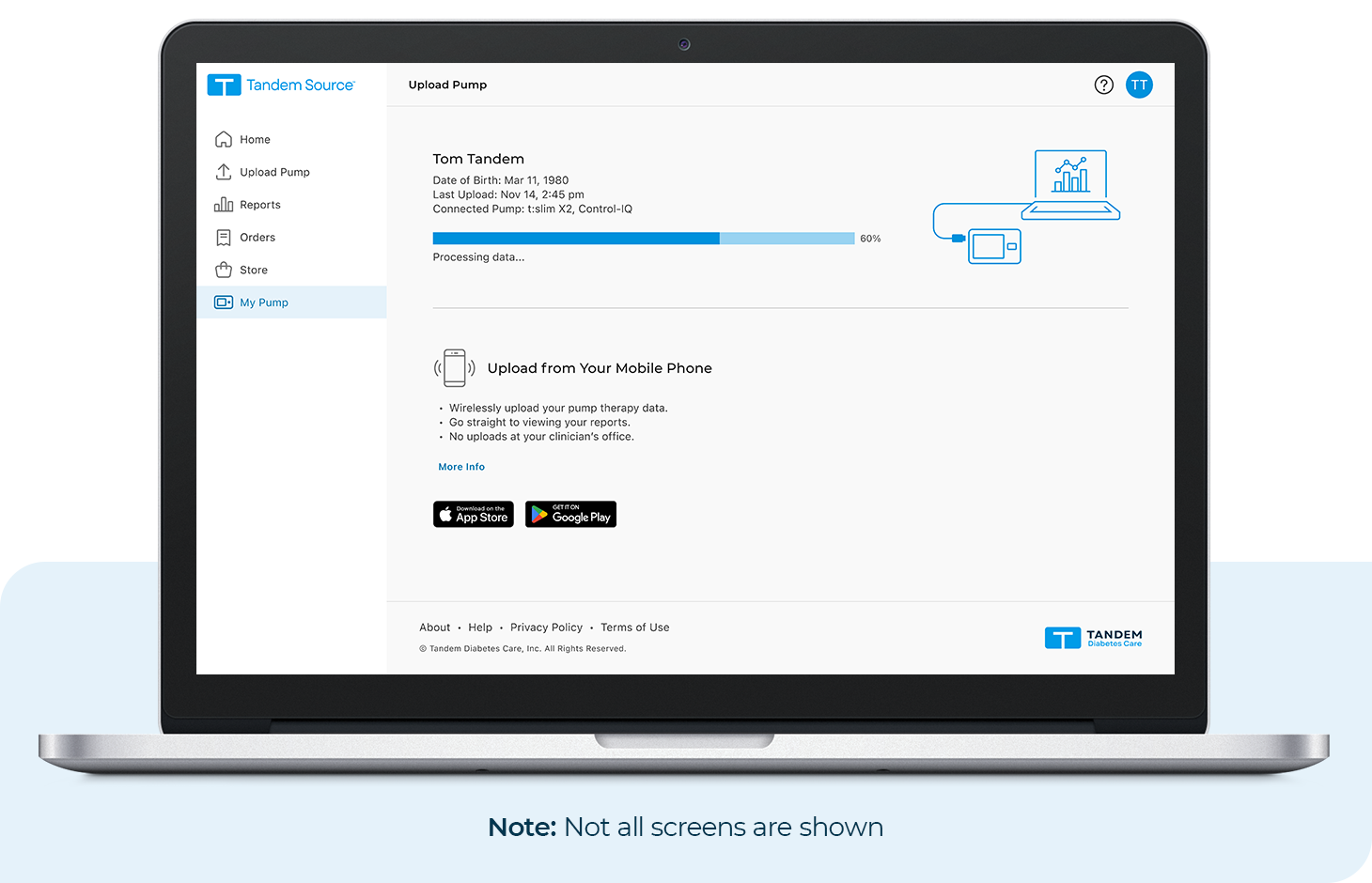
To upload pump data to your Tandem Source account, follow these steps:
- Log in at source.tandemdiabetes.com
- Plug your pump into your computer using the Tandem USB cable
- In the menu, click Upload Pump and then Start Upload
- A prompt will display after the data has successfully been uploaded
Note: Depending on your operating system, the Tandem Source interface may look slightly different.