The Cartridge Change Error may occur if the cartridge doesn’t connect to the t:slim X2 insulin pump properly during the load process.
How to Troubleshoot
If using a pump case, check that all four corners of the pump are snapped into the case. If not, the cartridge may not slide properly into place.
Slide the cartridge off and when inserting it again, be sure that the cartridge is snapped fully in place by listening for a click and checking that it is flush with the pump (i.e., the end does not extend past the edge of the pump)
Check to see if the o-ring (i.e., black or clear rubber ring) from a previous cartridge was left behind on the pneumatic tap of the pump. If you see an o-ring, remove it and then load your filled cartridge again.
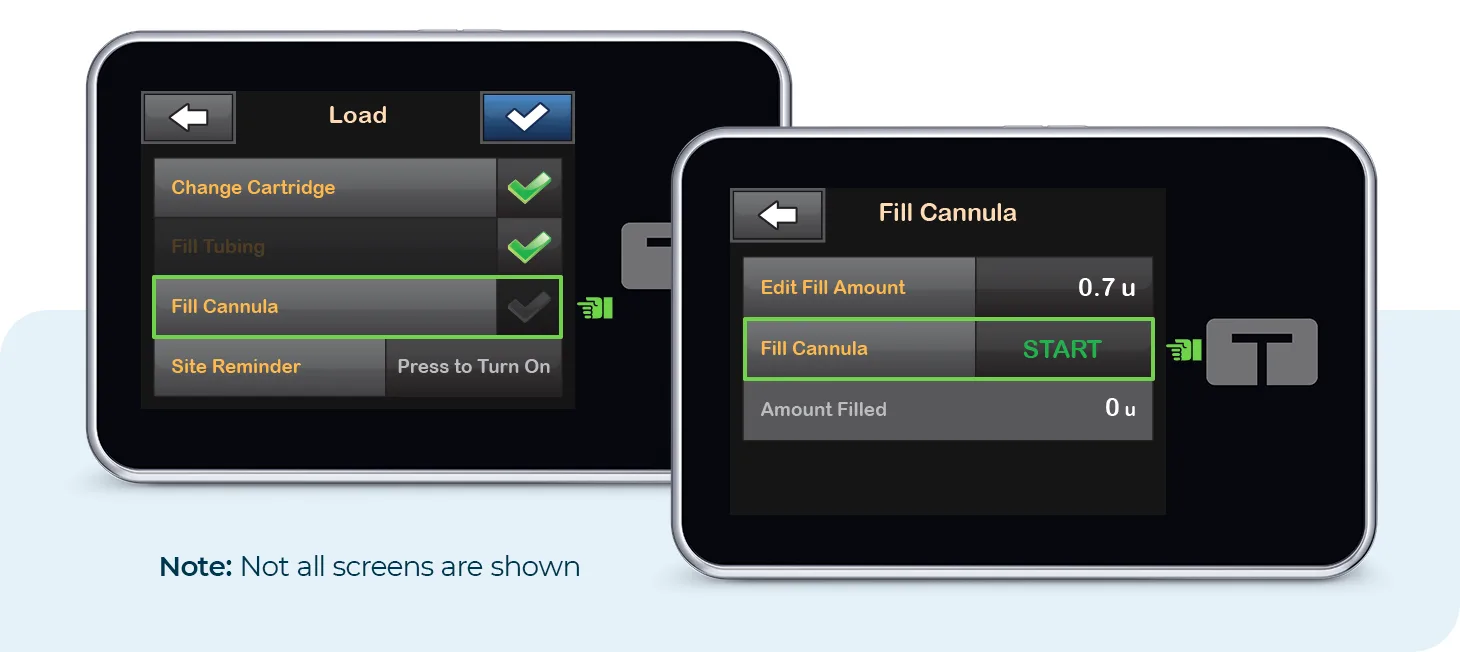
If the Cartridge Change Error occurs again, load a second cartridge following proper load technique and paying special attention to the on-screen instructions. Please contact Customer Technical Support if you still receive the error after attempting to load a second cartridge.
Always refer to the user guide for important safety information and detailed step-by-step instructions on how to load a cartridge on your t:slim X2 pump.