Managing Pump Alerts and Alarms with the Tandem t:slim Mobile App

All pump alerts and alarms will display on the Notifications screen within the Tandem t:slim mobile app. However, you currently need to dismiss alerts and alarms directly on the t:slim X2 insulin pump. Once an alert or alarm has been dismissed on the pump, it will immediately disappear from the mobile app.
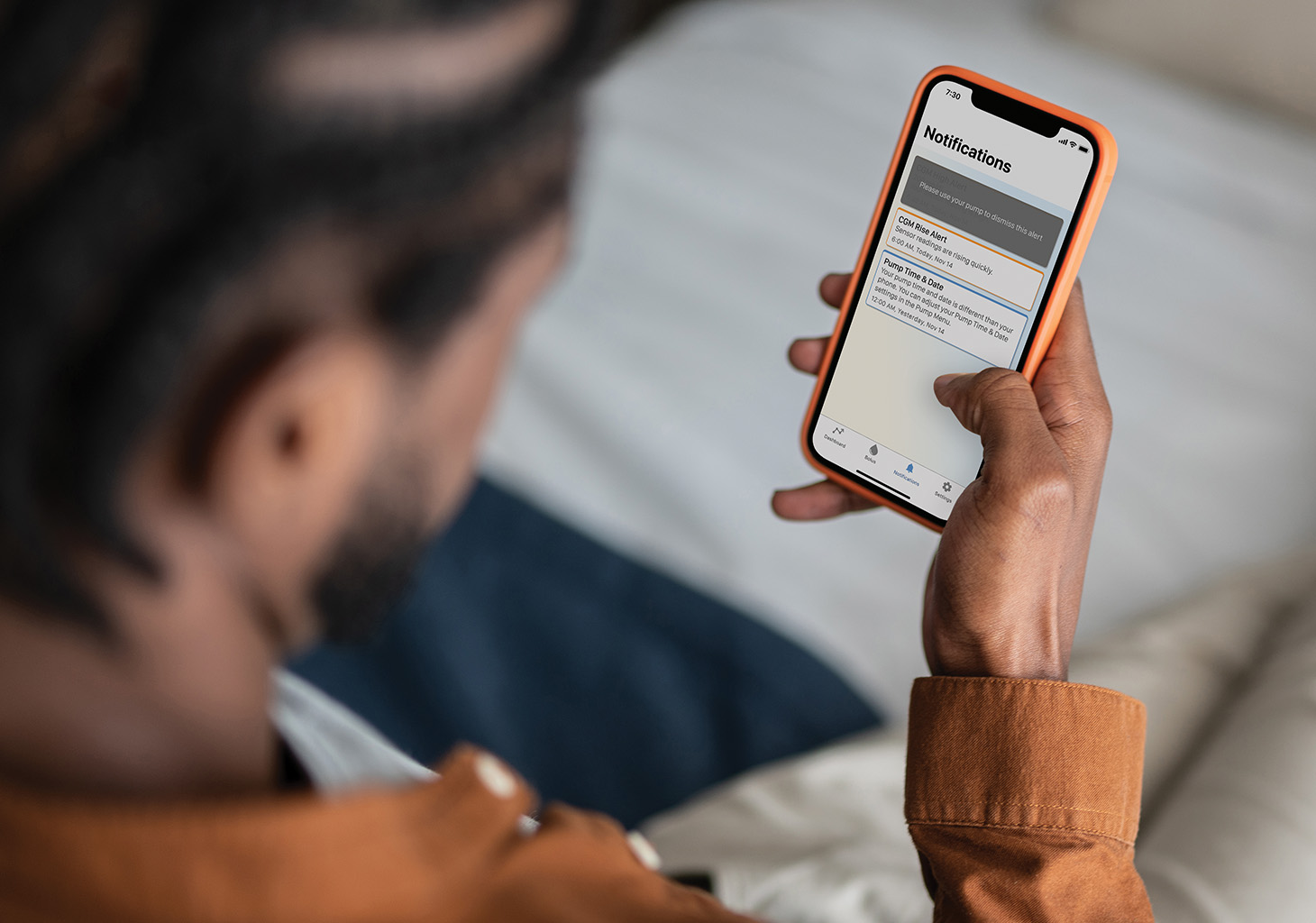
Notifications Screen on the Mobile App with t:slim X2 Insulin Pump Alerts and Alarms

Back to All Articles
with-tslim-app\"}],[\"$\",\"meta\",\"8\",{\"property\":\"og:title\",\"content\":\"Managing Pump Alerts and Alarms with the Tandem t:slim Mobile App\"}],[\"$\",\"meta\",\"9\",{\"property\":\"og:description\",\"content\":\"All pump alerts and alarms will display in the Notifications section of the Tandem t:slim mobile app.\"}],[\"$\",\"meta\",\"10\",{\"name\":\"twitter:card\",\"content\":\"summary\"}],[\"$\",\"meta\",\"11\",{\"name\":\"twitter:title\",\"content\":\"Managing Pump Alerts and Alarms with the Tandem t:slim Mobile App\"}],[\"$\",\"meta\",\"12\",{\"name\":\"twitter:description\",\"content\":\"All pump alerts and alarms will display in the Notifications section of the Tandem t:slim mobile app.\"}],[\"$\",\"link\",\"13\",{\"rel\":\"icon\",\"href\":\"/favicon.ico?favicon.265ed5ca.ico\",\"sizes\":\"48x48\",\"type\":\"image/x-icon\"}],[\"$\",\"$L43\",\"14\",{}]]\n"])