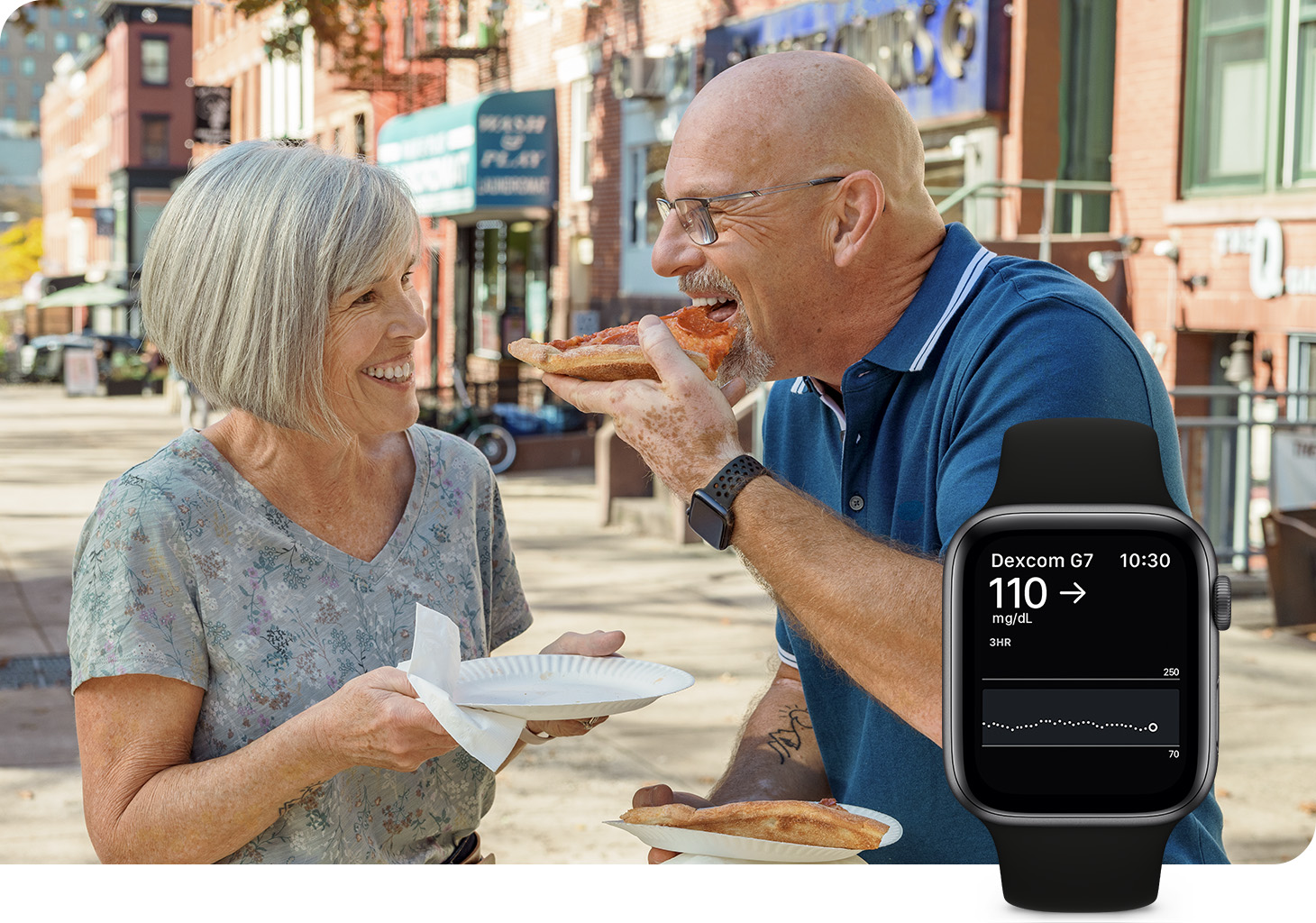
When you pair your Tandem Diabetes Care insulin pump with a Dexcom G7 CGM System,* you can view continuous glucose monitoring (CGM) values on your Apple Watch and bolus from the pump — without having your phone with you.†
Dexcom G7 CGM Systems display CGM readings on your Apple Watch and Tandem pump simultaneously, with each operating independently. Direct-to-Watch functionality is not required for Control-IQ technology, as Control-IQ technology relies on sensor glucose readings sent directly to the insulin pump. This ensures that Control-IQ technology continues to function with accurate readings, even if there’s a delay on the Apple Watch display.
To use Direct-to-Watch, you'll need an Apple Watch Series 6 or later running watchOS 10 or newer, an iPhone running iOS 17, and version 2.2.1 or later of the Dexcom G7 mobile app.
Get more information on Dexcom G7 Direct-to-Watch.
* The Dexcom G7 15 Day is indicated for ages 18+ and the Dexcom G7 is indicated for ages 2+.
† Compatible smartphone is required to pair a new Dexcom G7 sensor with a
compatible Apple Watch. To use Share/Follow the smartphone must be within 10 meters of the Dexcom G7. Always pair
the Dexcom G7 sensor with your Tandem system before pairing with the Dexcom G7 app and Apple Watch. The Tandem
system communicates directly with the Dexcom G7 sensor to get CGM readings, and does not communicate with the Dexcom
G7 app or Apple Watch. Fingersticks required for diabetes treatment decisions if symptoms or expectations do not
match readings.