Getting Started is Easy


Step 1
Download App
Sugarmate is available for download on Apple’s App Store or Google Play. You can also access it from your desktop computer through popular web browsers.

Step 2
Create Account
After installing, the app will guide you through step-by-step instructions to help you create an account. The process is easy, so you can get up and running quickly.

Step 3
Add Data
To see your CGM data in Sugarmate, connect your sensor. Don’t have one? You can use data from Tandem Source or manage your diabetes manually.

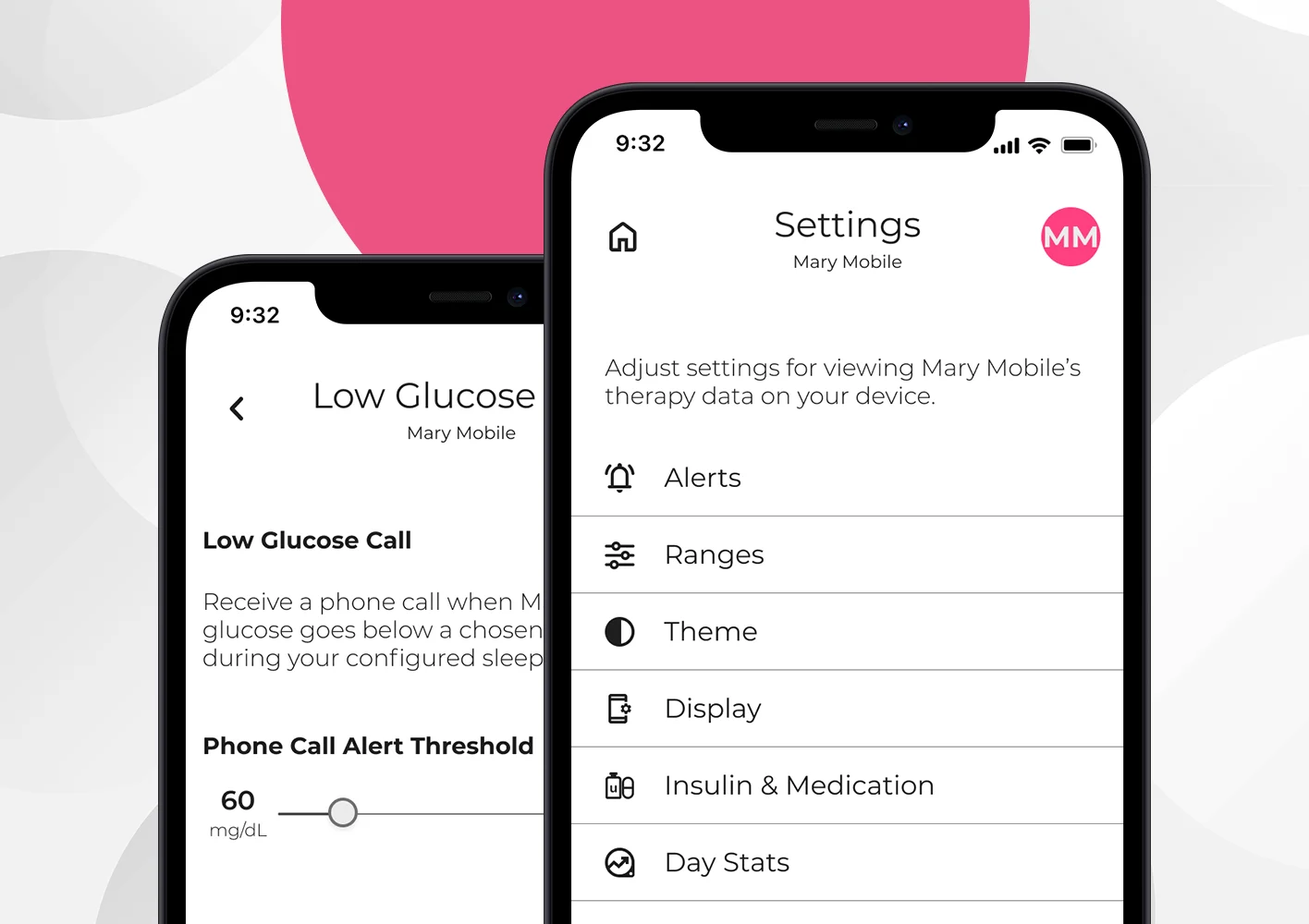
Now it’s time to make it your own! Customize push notifications, SMS and phone call alerts, and other app settings. Plus, you can explore a wide array of color themes to choose from and customize your graph range to personalize the app.


Additional Support & Troubleshooting
Did you know that there is an extensive library of educational and self-help materials to help you get the most out of the app?

Important Safety Information
Sugarmate is a mobile app intended for organizing and tracking blood sugar levels for individuals with diabetes mellitus and who use blood glucose monitoring devices. For contraindications, warnings, precautions, and other important information, please refer to the instructions for use accompanying the mobile app.