Behandeling hervatten
Gefeliciteerd! U hebt zojuist een software-update voltooid. Tik om te bevestigen dat het updateproces is geslaagd op: OPTIES Tik op het startscherm van uw pomp op Mijn pomp, Pompinfo en vervolgens op de pijl-omlaag om de softwareversie te controleren.
Herinnering: De waarde van AI (Actieve Insuline) is tijdens het software-updateproces op nul gezet.
Voer deze laatste stappen uit om uw behandeling te hervatten:
A. Bevestig de pompinstellingen
B. Laad een patroon
C. Hervat of start een sensorsessie
D. Koppel de mobiele app


De pompinstellingen bevestigen
Onjuiste instellingen kunnen leiden tot een te hoge of te lage toediening van insuline. Controleer of de persoonlijke instellingen, datum en tijd nog kloppen nadat de software-update is uitgevoerd. Houd uw bloedglucose en insulinetoediening scherp in de gaten, om er zeker van te zijn dat uw symptomen overeenkomen met uw behandelingsgegevens.

Een patroon laden
Na het uitvoeren van de software-update moet de patroon worden vervangen. Pas daarna kunt u de insulinetoediening hervatten.

Een sensorsessie hervatten of starten
Als er een sensorsessie actief was toen u de software-update startte, is deze sessie nog steeds actief, maar wordt de grafiek van de continue glucosebewaking (CGM; Continuous Glucose Monitoring) pas weergegeven nadat u de sessie handmatig hebt hervat via de t:slim X2-pomp:
Tik op: OPTIES, Mijn CGM, en vervolgens op Sensor starten
Als u een Dexcom G6-sensor hebt, tikt u op: Overslaan wanneer u wordt gevraagd om een sensorcode in te voeren.
Als u een Dexcom G7-sensor hebt, voert u de koppelingscode in zoals gevraagd.
Na enkele minuten zal uw insulinepomp uw huidige sensorsessie hervatten en worden uw CGM-waarden op het dashboard weergegeven.
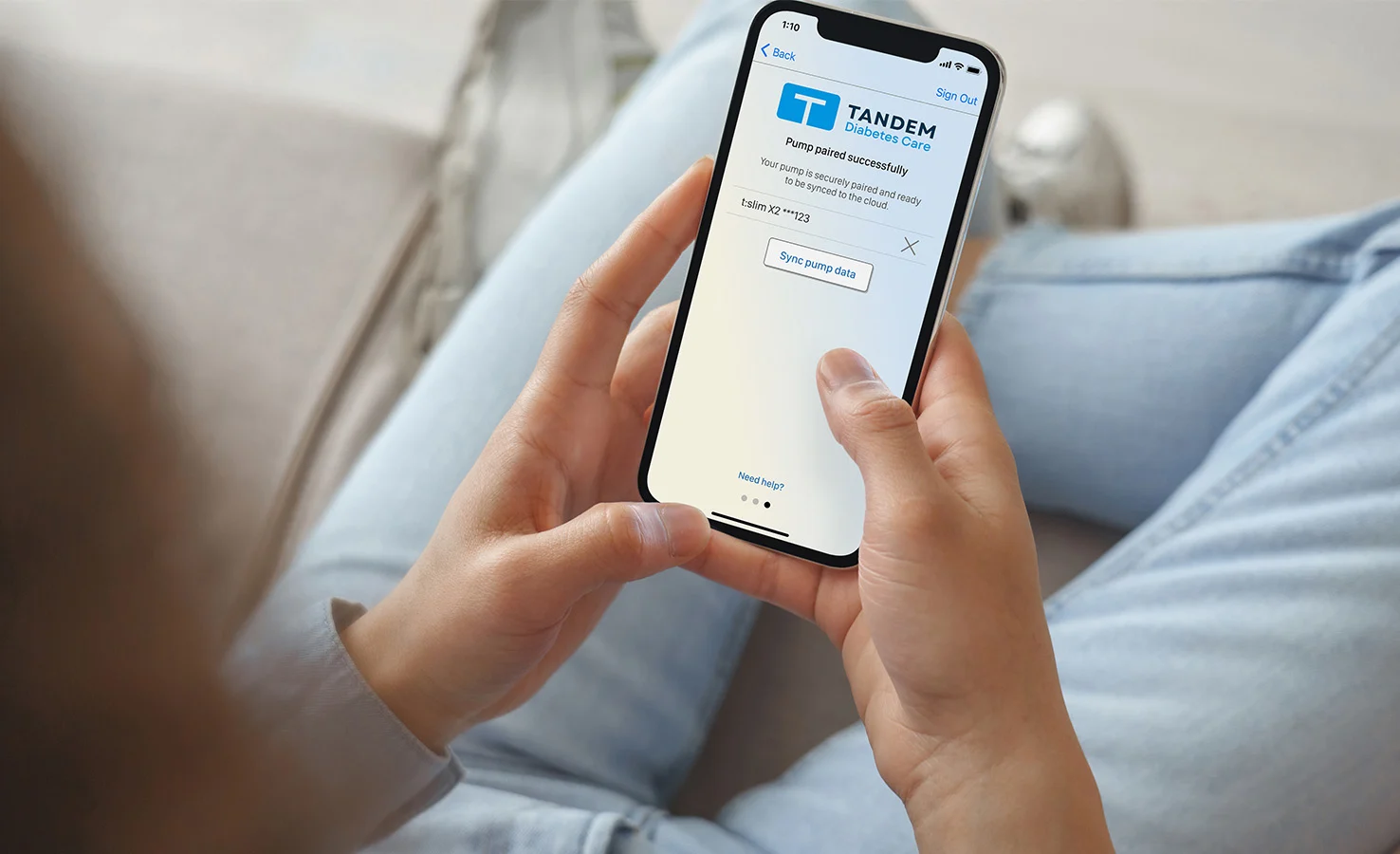

De mobiele app koppelen
Als u niet de mobiele app Tandem t:slim gebruikt in combinatie met uw insulinepomp, kunt u deze stap overslaan. Als u dat wel doet, tikt u op: OPTIES op het startscherm, daarna op: Apparaatinstellingen en vervolgens op: en vervolgens op Bluetooth-instelling om te bevestigen dat de mobiele verbinding nog steeds actief is. Als dat niet het geval is, moet u de mobiele app opnieuw koppelen met uw pomp.