Como retomar a terapia
Parabéns! Acabou de concluir uma atualização de software. Para confirmar que o processo de atualização foi bem-sucedido, toque em OPÇÕES no ecrã inicial da bomba, A minha bomba, Informação da bomba e, em seguida, na seta para baixo para verificar a versão do software.
Lembrete: A insulina ativa (IA) foi reposta a zero como parte do processo de atualização de software.
Siga estes passos finais para retomar a terapia:
A. Confirme as definições da bomba
B. Carregue um reservatório
C. Retome ou inicie uma sessão do sensor
D. Emparelhe a aplicação móvel


Confirme as definições da bomba
Definições incorretas podem resultar numa administração excessiva ou insuficiente de insulina. Confirme se as definições pessoais, a data e a hora estão corretas após a conclusão da atualização de software. Monitorize atentamente a glicemia e a administração de insulina para garantir que os seus sintomas correspondem aos dados da terapia.

Carregue um reservatório
Agora que a atualização de software está concluída, tem de substituir o reservatório antes de poder retomar a administração de insulina.

Retome ou inicie uma sessão do sensor
Se tinha uma sessão do sensor ativa antes de iniciar a atualização de software, a sua sessão continua ativa, mas não verá um gráfico de monitorização contínua de glicose (MCG) até que a sessão seja retomada manualmente através da bomba t:slim X2:
Toque em OPÇÕES, Minha MCG e, em seguida, Iniciar Sensor
Para um sensor Dexcom G6, toque em Ignorar quando lhe for pedido para introduzir um código de sensor
Para um sensor Dexcom G7, introduza o código de emparelhamento conforme solicitado
Após alguns minutos, a bomba de insulina retoma a sessão do sensor atual e as leituras da MCG são apresentadas no Painel
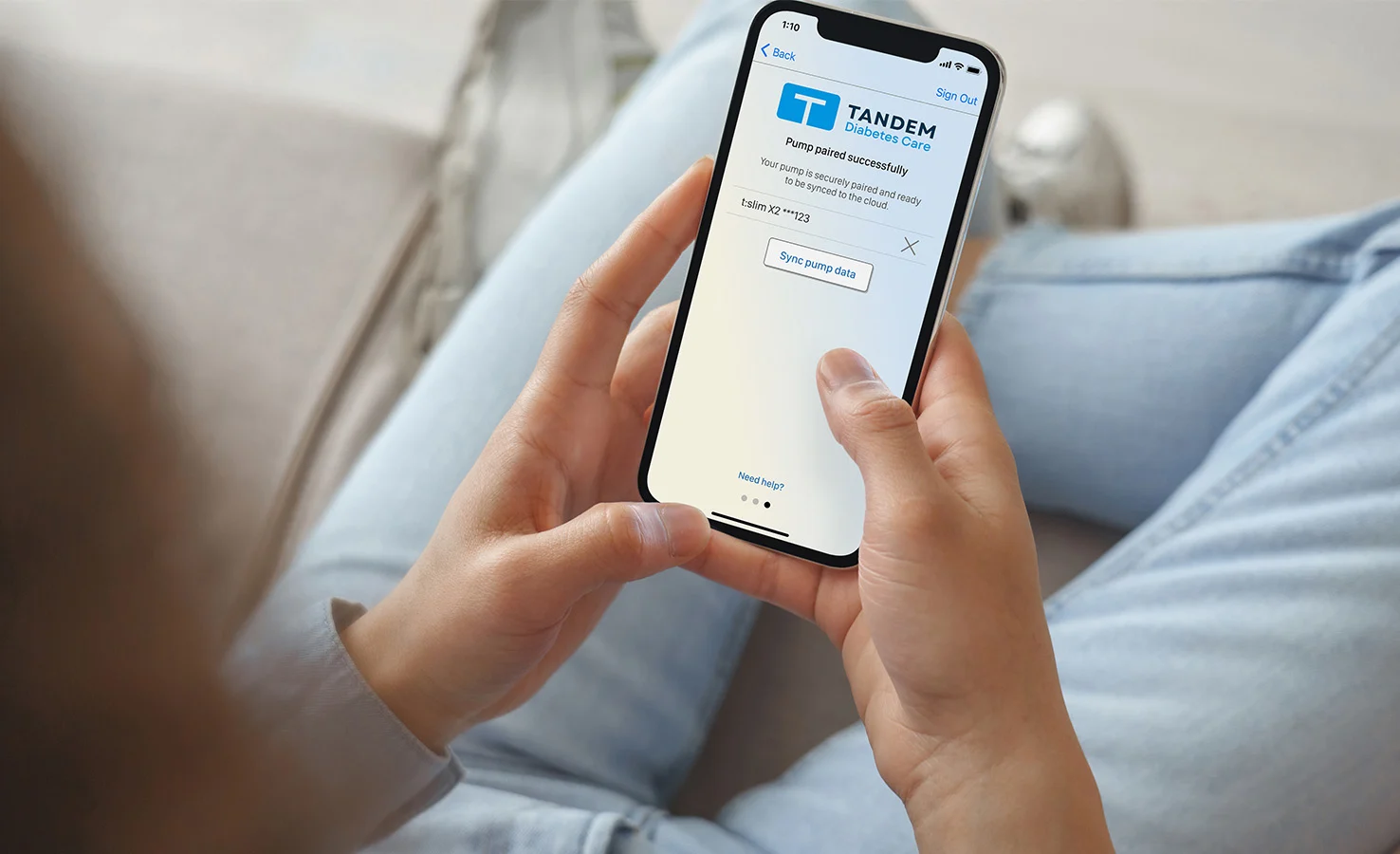

Emparelhe a aplicação móvel
Se não utilizar a aplicação móvel Tandem t:slim com a sua bomba de insulina, pode ignorar este passo. Caso contrário, toque em OPÇÕES no ecrã inicial, Config. dispositivo e, em seguida, Config. de Bluetooth para confirmar que a ligação móvel ainda está ativada. Se não estiver, a aplicação móvel tem de ser novamente emparelhada com a sua bomba.