Slik gjenopptar du behandlingen
Gratulerer! Du har nettopp fullført en programvareoppdatering. Bekreft at oppdateringsprosessen var vellykket ved å trykke på ALTERNATIVER fra startskjermen på pumpen, Min pumpe, pumpeinformasjon, og deretter på pil ned for å kontrollere programvareversjonen.
Påminnelse: Aktivt insulin (IOB) ble nullstilt som en del av programvareoppdateringsprosessen.
Følg disse siste trinnene for å gjenoppta behandlingen:
A. Bekreft pumpeinnstillingene
B. Sett inn en sylinderampulle
C. Gjenoppta eller start en sensorøkt
D. Par med mobilappen


Bekreft pumpeinnstillingene
Feil innstillinger kan resultere i over- eller underlevering av insulin. Bekreft at personlige innstillinger, dato og klokkeslett er riktige etter at programvareoppdateringen er fullført. Følg nøye med på blodsukkeret og insulintilførselen for å sikre at symptomene dine stemmer overens med behandlingsdataene.

Sett inn en sylinderampulle
Nå som programvareoppdateringen er fullført, må sylinderampullen byttes før insulintilførselen kan gjenopptas.

Gjenoppta eller start en sensorøkt
Hvis du hadde en aktiv sensorøkt før du startet programvareoppdateringen, er økten fortsatt aktiv, men du vil ikke se noen graf for kontinuerlig glukosemåling (CGM) før økten gjenopptas manuelt via t:slim X2-pumpen:
Trykk på ALTERNATIVER, Min CGM, og deretter Start sensor
For en Dexcom G6-sensor trykker du på Hopp over når du blir bedt om å legge inn en sensorkode
For en Dexcom G7-sensor skriver du inn paringskoden når du blir bedt om det
Etter noen minutter vil insulinpumpen gjenoppta den gjeldende sensorøkten, og CGM-målingene vises på dashbordet

Par med mobilappen
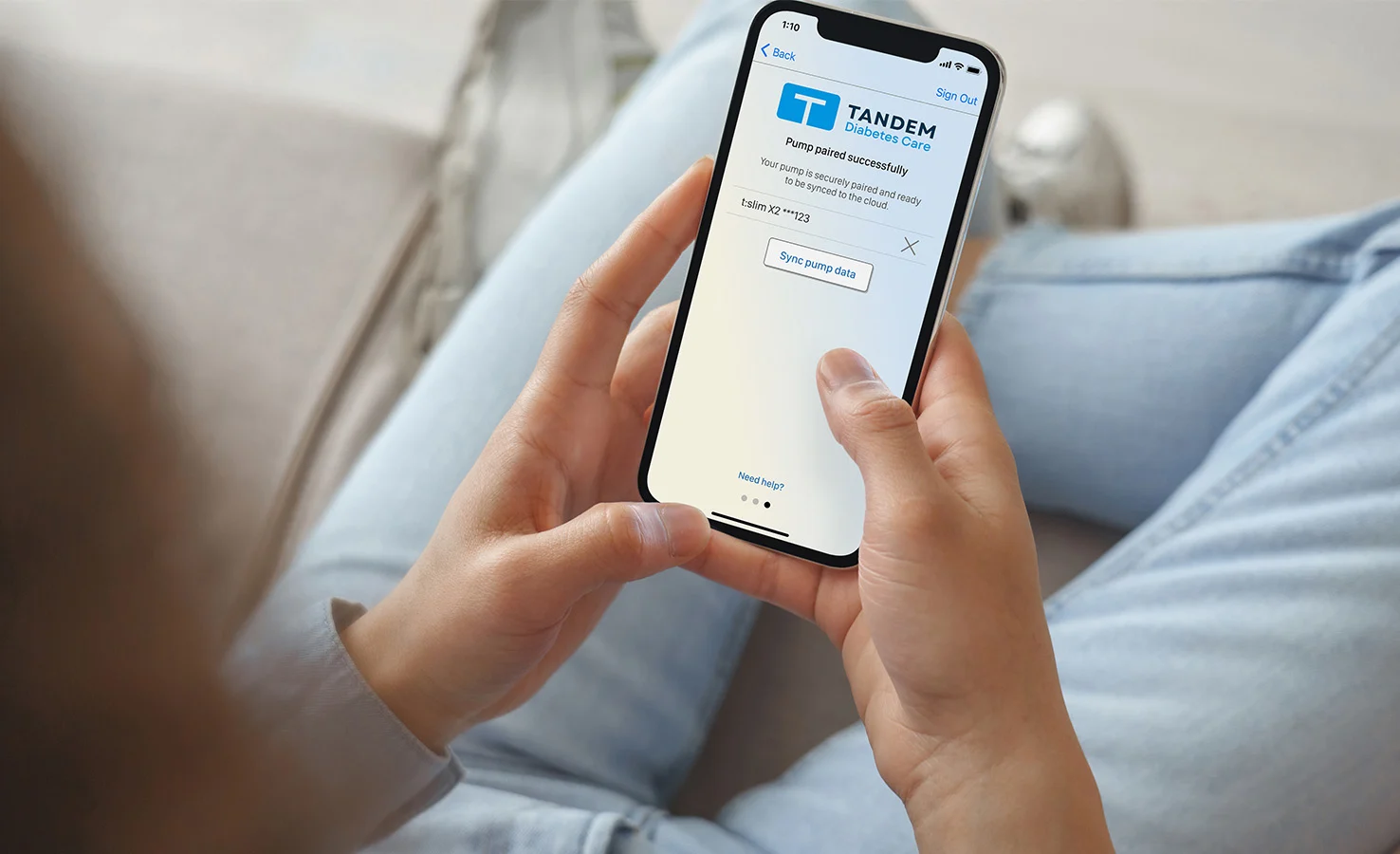
Hvis du ikke bruker Tandem t:slim-mobilappen med insulinpumpen, kan du hoppe over dette trinnet. Ellers trykker du på ALTERNATIVER fra startskjermen, Enhetsinnstillinger, og deretter Bluetooth-innstillinger for å bekrefte at mobiltilkoblingen fortsatt er aktiv. Hvis ikke må mobilappen kobles til pumpen på nytt.