Connect Your New Pump
Before You Begin
Place Pump in Storage Mode
You can only have one pump connected to your continuous glucose monitoring (CGM) session at a time. In order to disconnect the previous pump from your existing CGM sensor session, it is important that you DO NOT manually stop the sensor session on your previous pump
Instead, connect your previous pump to its power source and hold down the Pump button for 30 seconds to place the pump into Storage Mode.
Let’s Get Started
Connect to Your Sensor
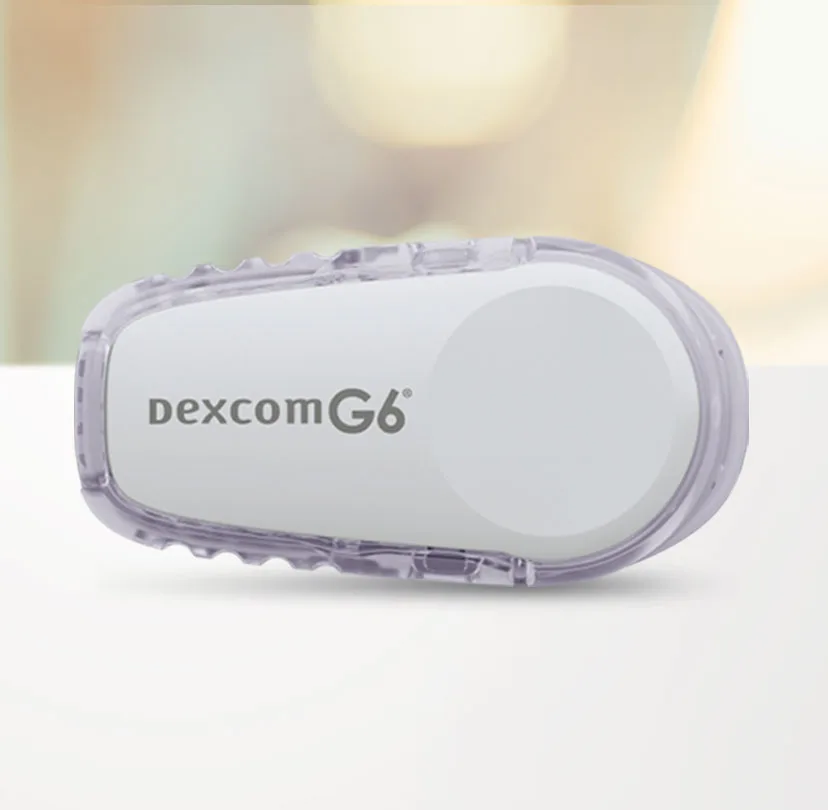
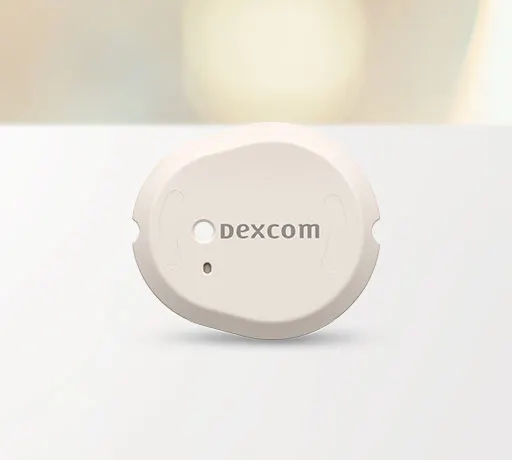
Whether you are continuing a current CGM sensor session or starting a new one, you will need to connect your replacement pump to a CGM sensor. Select your sensor type from the options below for specific instructions.
Note: These instructions are provided as a reference tool for pump users and caregivers who are already familiar with the use of an insulin pump and with insulin therapy in general. Not all steps are shown. For more detailed information, please refer to the pump’s user guide.
What's Next?
Return Pump
To keep your account in good standing, please follow these steps to prepare your previous insulin pump for shipment back to Tandem Diabetes Care.