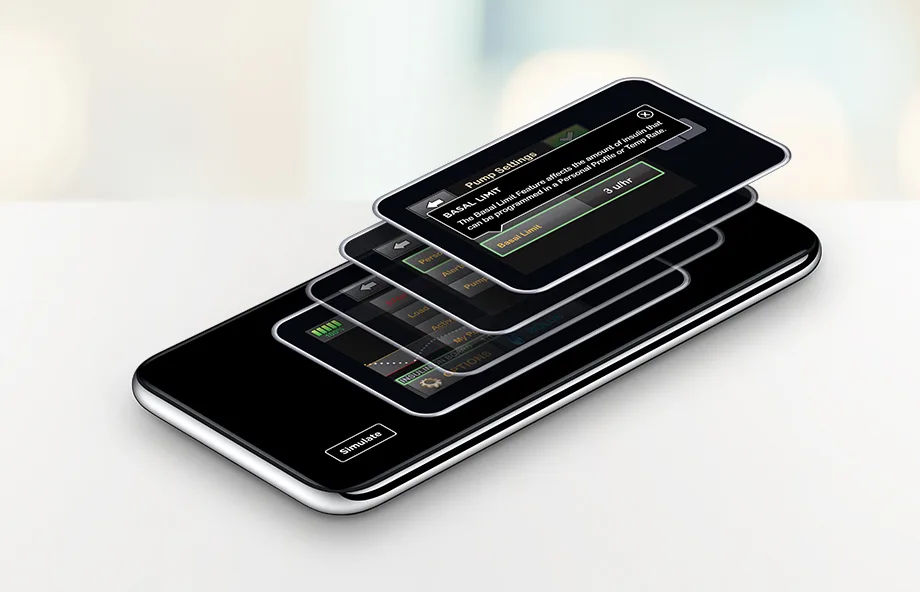

t:simulator AppTake the t:slim X2 insulin pump for a virtual test drive

Experience the easy-to‑use interface of the t:slim X2 insulin pump on your smartphone*


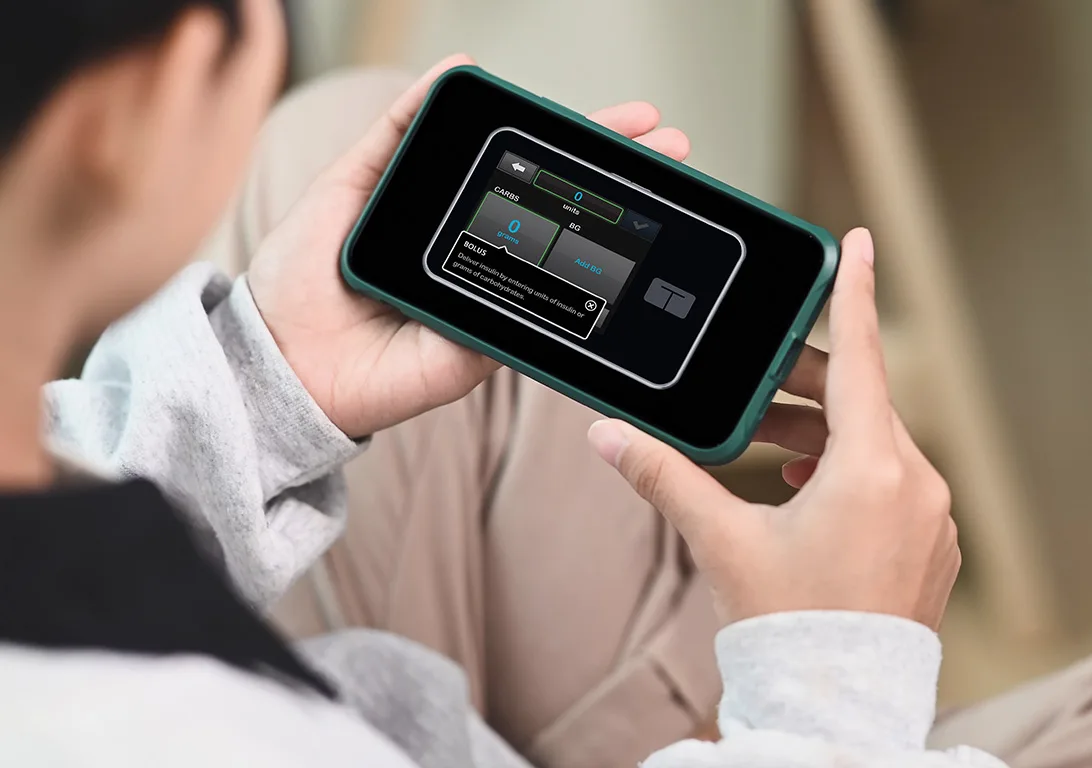
With Tool Tips enabled, many of the key features on the t:slim X2 insulin pump are highlighted and explained to help you get started. You can turn them off (or back on) at any time.
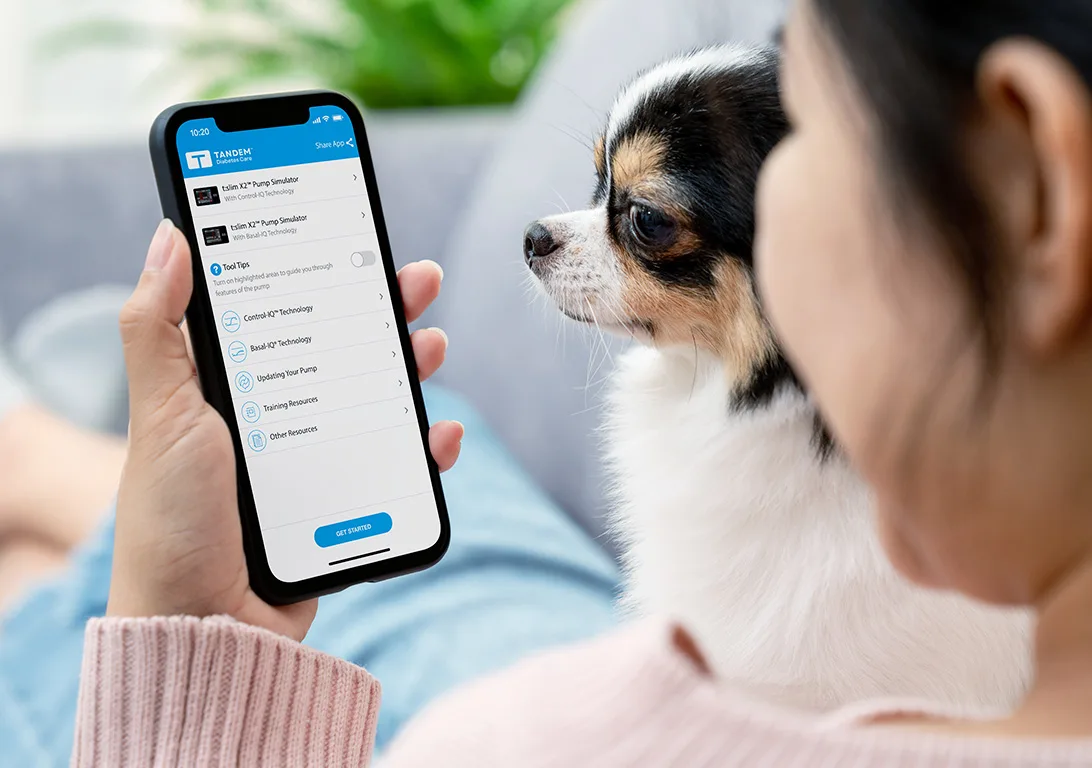
You can also learn about the technical specifications for our pump, access a glossary of common terms, and call or email a customer care representative, all from within the t:simulator app!
Download
Click the badges to download the t:simulator app on your compatible Apple or Android device.


* The t:simulator app is only supported on Android 5 or later, iPhone 5 or later, iPad Mini 2 or later, iPad 4th generation or later, and iPod Touch 6th generation devices.
This application is for demonstration purposes only. It should not be used for therapy decisions. It is intended to illustrate the user interface on a Tandem Diabetes Care insulin pump. This application is provided on an "as-is" basis, without any warranty, and is not identical to the functionality of the pump. This application should not be relied upon for instruction on use of the pump and is not a substitute for the user guide or training by a certified pump trainer.