So nehmen Sie die Therapie wieder auf
Herzlichen Glückwunsch! Sie haben soeben ein Software-Update abgeschlossen. Um zu bestätigen, dass die Aktualisierung erfolgreich war, tippen Sie auf OPTIONEN auf dem Startbildschirm der Pumpe, Meine Pumpe, Pumpeninformation, und daraufhin auf den Pfeil nach unten, um die Softwareversion zu überprüfen.
Erinnerung: Das Aktive Insulin (IOB) wurde im Rahmen der Softwareaktualisierung auf Null zurückgesetzt.
Befolgen Sie diese letzten Schritte, um Ihre Pumpentherapie wieder aufzunehmen:
A. Pumpeneinstellungen bestätigen
B. Ein Reservoir laden
C. Eine Sensorsitzung fortsetzen oder starten
D. Mobile App koppeln

Pumpeneinstellungen bestätigen
Falsche Einstellungen können eine übermäßige oder ungenügende Insulinabgabe bewirken. Bestätigen Sie nach Abschluss der Softwareaktualisierung, dass die persönlichen Einstellungen sowie Datum und Uhrzeit korrekt sind. Überwachen Sie Ihre Glukose im Blut und Ihre Insulinabgabe genau, um sicherzustellen, dass Ihre Symptome mit Ihren Therapiedaten übereinstimmen.

Ein Reservoir laden
Nachdem die Softwareaktualisierung abgeschlossen ist, muss das Reservoir gewechselt werden, bevor die Insulinabgabe wieder aufgenommen werden kann.

Eine Sensorsitzung fortsetzen oder starten
Wenn Sie vor dem Starten des Software-Updates eine aktive Sensorsitzung hatten, ist Ihre Sitzung noch aktiv, Sie sehen jedoch kein Diagramm zur kontinuierlichen Blutzuckerüberwachung (CGM), bis Ihre Sitzung manuell über die t:slim X2-Pumpe fortgesetzt wird:
Tippen Sie auf OPTIONEN, Mein CGM, und daraufhin auf Sensor starten
Tippen Sie bei einem Dexcom G6-Sensor auf Weiter wenn Sie aufgefordert werden, einen Sensorcode einzugeben
Geben Sie bei einem Dexcom G7-Sensor den Verbindungscode wie aufgefordert ein
Nach einigen Minuten setzt Ihre Insulinpumpe Ihre aktuelle Sensorsitzung fort und Ihre CGM-Werte werden auf dem Dashboard angezeigt

Mobile App koppeln
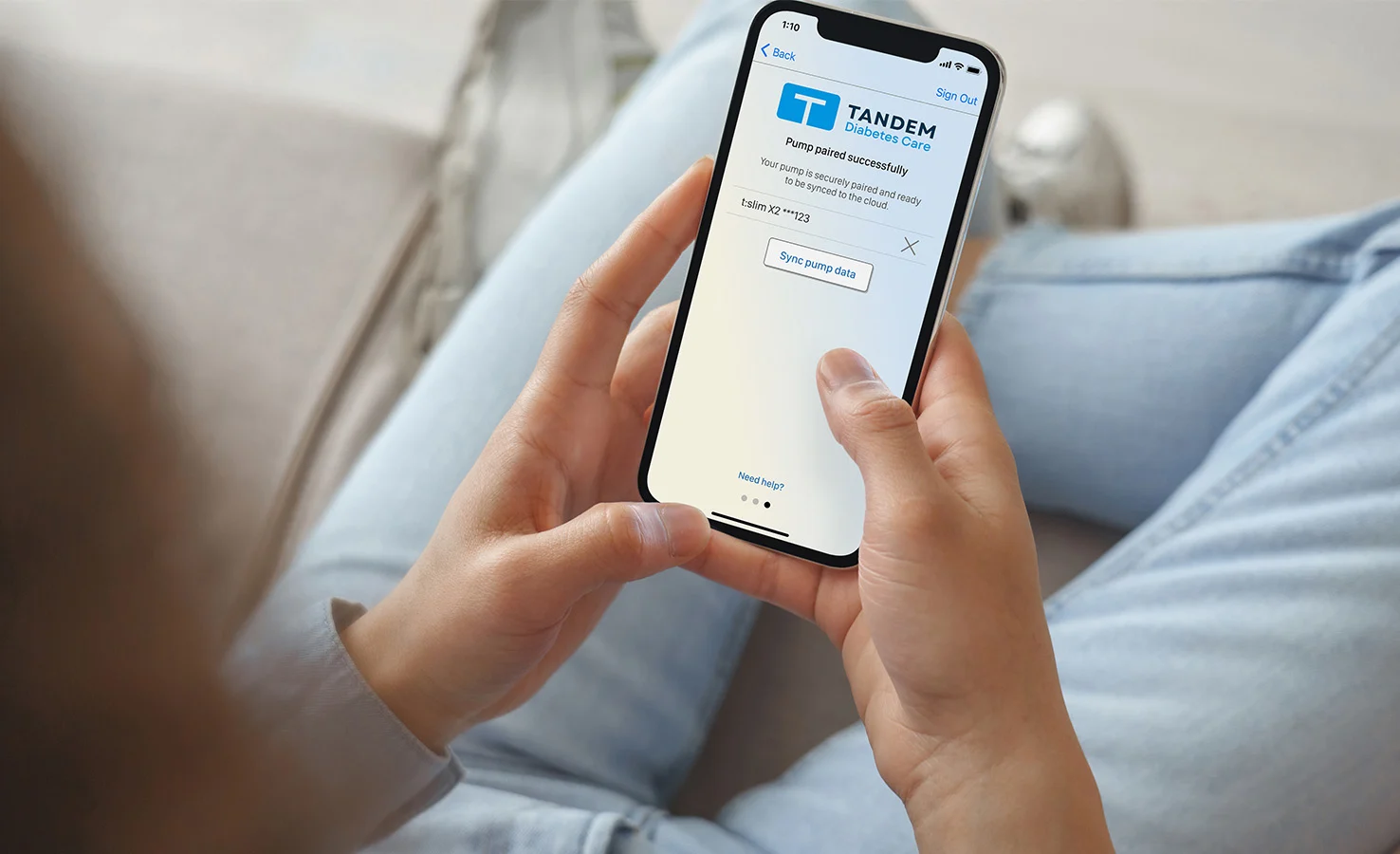
Wenn Sie die mobile Tandem t:slim-App nicht mit Ihrer Insulinpumpe verwenden, können Sie diesen Schritt überspringen. Tippen Sie andernfalls auf OPTIONEN auf dem Startbildschirm, Geräteeinstellungen und daraufhin auf Bluetooth-Einstellungen um zu bestätigen, dass die mobile Verbindung noch aktiviert ist. Wenn nicht, muss die mobile App erneut mit Ihrer Pumpe gekoppelt werden.