


Diabetes technology evolves at a rapid pace. Remote software updates* during the warranty period of a Tandem Diabetes Care insulin pump allow pump users the opportunity to add new features, when available.
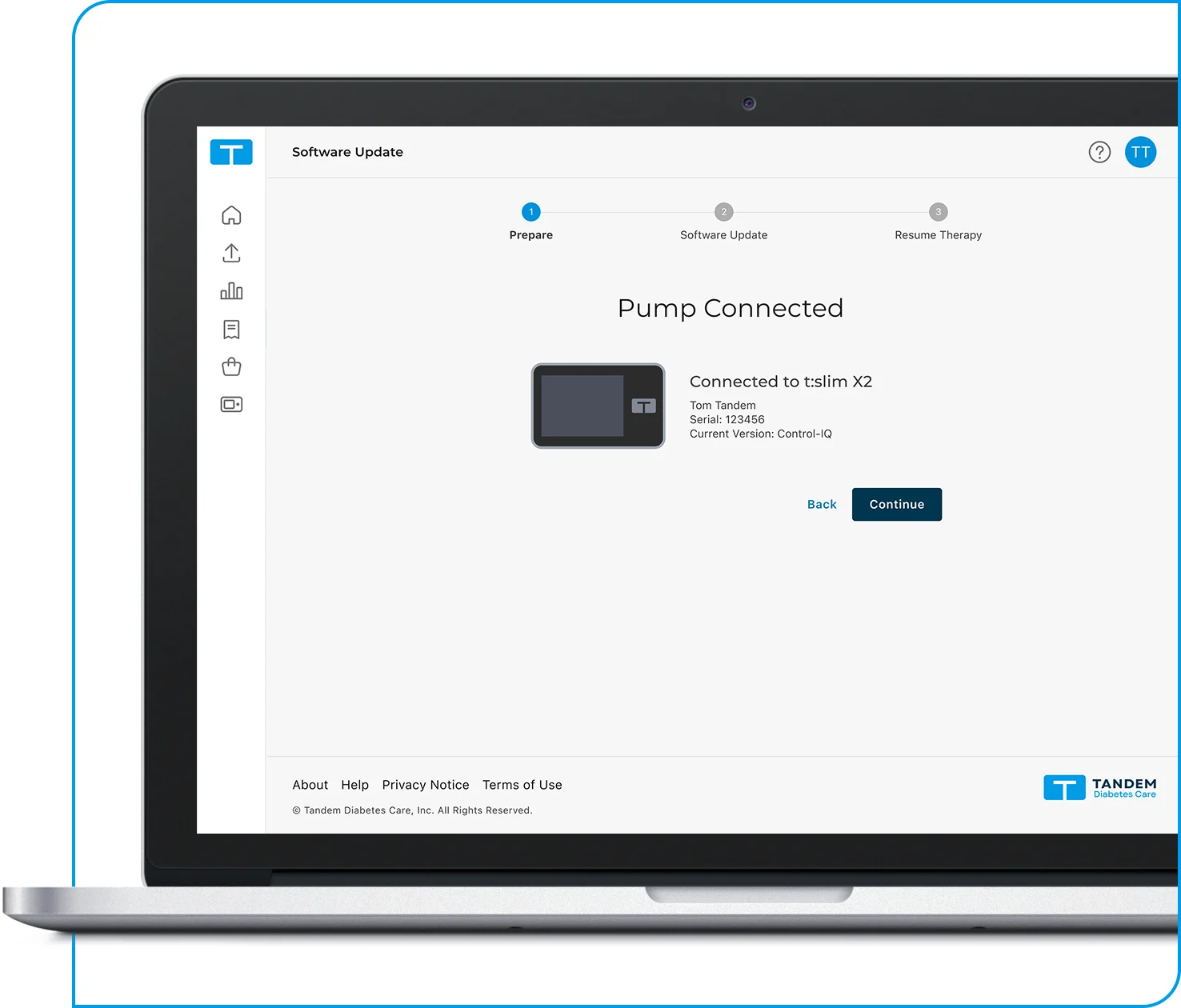
How it Works

Check Eligibility
Log in to your Tandem Source account and check if an update is available for your insulin pump.
Complete Training
Finalize any required training and/or other preliminary steps before starting the update.
Update Software
Connect your pump and follow the on-screen prompts to download the new pump software.
Resume Therapy
Once the update is complete, follow key steps to set up and start using your updated system.

See what software version is currently available for your pump and the features it includes. You can also learn about any update requirements.

* Future updates for all or some Tandem products may not be developed and may not be offered everywhere and would be subject to applicable regulatory approvals. Software updates are only available to customers who are in warranty at the time they update their pump. Additional training may be required to access certain software updates. Charges may apply. Tandem may discontinue select software and features over time at its discretion.
Important Safety Information
Always read the label and follow the instructions: tandemdiabetes.com/safetyinfo