Required Setup for Pump and FreeStyle Libre 3 Plus Sensor

Welcome to version 7.10 on your t:slim X2 insulin pump. Follow these simple steps to set up your system and start exploring the new features.
Step 1
Pair the Tandem t:slim Mobile App
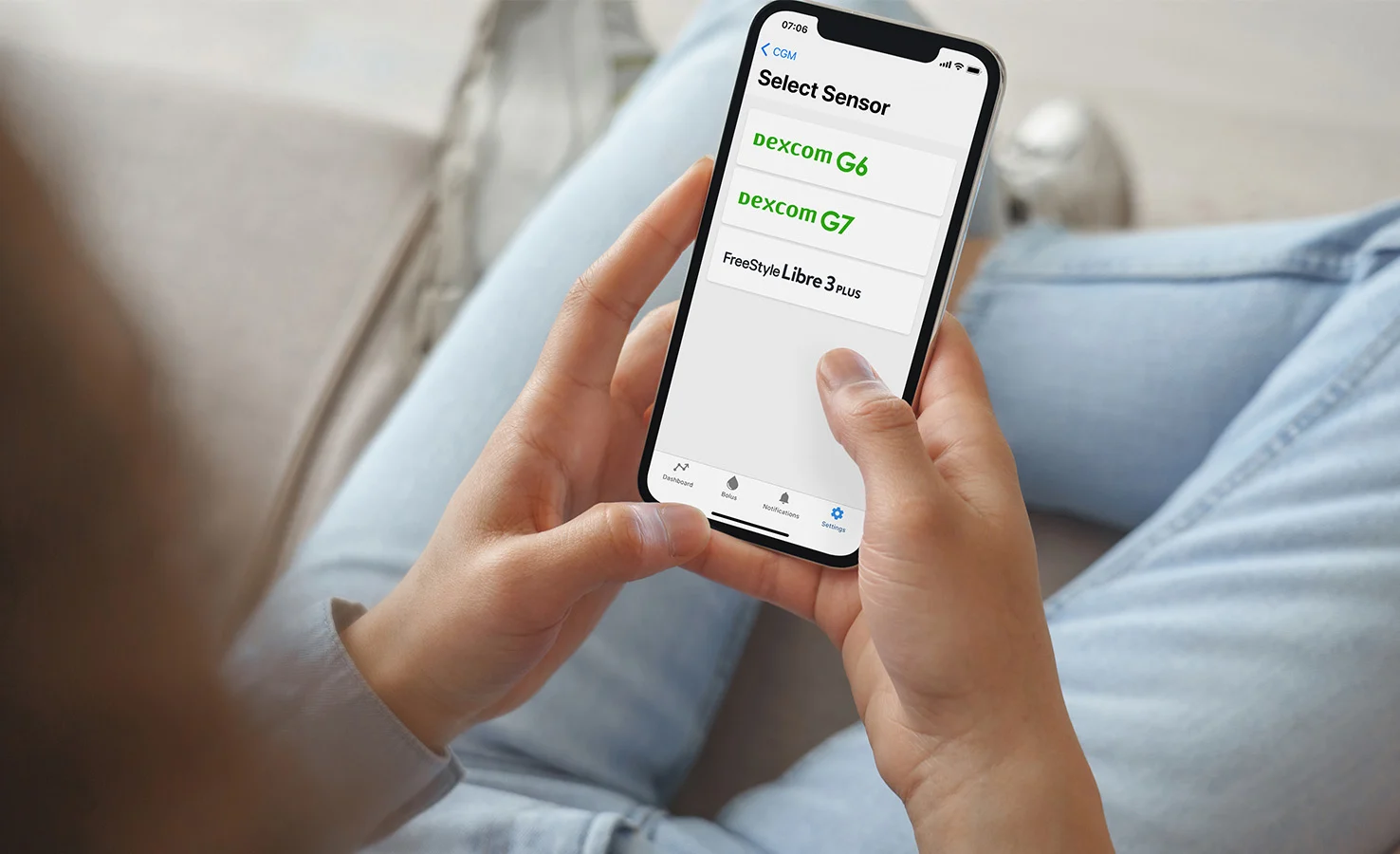
To use the FreeStyle Libre 3 Plus sensor, you must first pair your pump to the mobile app. Only then will the sensor be visible on your pump.

Current User
Make sure the mobile app is version 2.11 or later. If not, download it from Google Play or the App Store.

First-Time Setup
If you’re new to the Tandem t:slim mobile app, download and pair the mobile app to your t:slim X2 insulin pump.
Use the mobile app to scan your FreeStyle Libre 3 Plus sensor and connect it to your t:slim X2 pump.
Note: Instructions for starting or resuming a sensor session differ for Dexcom G7 CGM.
Take a few minutes to learn what pump features have changed with each software update.